A video shoot can either become one useful asset or a full content library. The difference is not the camera, the location, or even the editing software. The difference is planning. For many businesses, the biggest missed opportunity happens before filming begins: they arrive with a broad idea to create a video, but not a clear decision on what the shoot must capture first.
This is where business video content planning becomes important. A single production day can support your website, social media, paid campaigns, presentations, proposals, recruitment, customer education, and internal communication. But only if the shoot is designed around reusable assets, not just one final edit.
Recent changes in media and AI tools make this even more important. AI video platforms are making it easier to create training, marketing, and internal communication videos from structured inputs. Social platforms continue to reward useful video visibility, but visibility alone does not guarantee leads. Businesses therefore need a smarter approach: capture real, flexible, human footage once, then repurpose it into formats that serve different channels and goals.
Start With The Business Goal, Not The Video Idea
Before choosing what to film, ask what business problem the video must solve. A homepage video, a product explainer, a testimonial, and a social reel all require different shots, messages, and pacing. If the goal is unclear, the shoot becomes a collection of random footage.
Use this simple decision filter:
- Trust: Do customers need to see the team, workspace, process, or proof of delivery?
- Clarity: Do customers need a product, service, system, or process explained more simply?
- Conversion: Do sales teams need stronger material for proposals, landing pages, or follow-ups?
- Reach: Does the business need short, frequent content for social platforms and campaigns?
- Training: Do staff, clients, or partners need repeatable instructional content?
The strongest shoot plan usually supports more than one of these goals, but one goal should lead the day. That priority helps decide what must be captured first if time becomes limited.
The One Shoot, Many Assets Framework
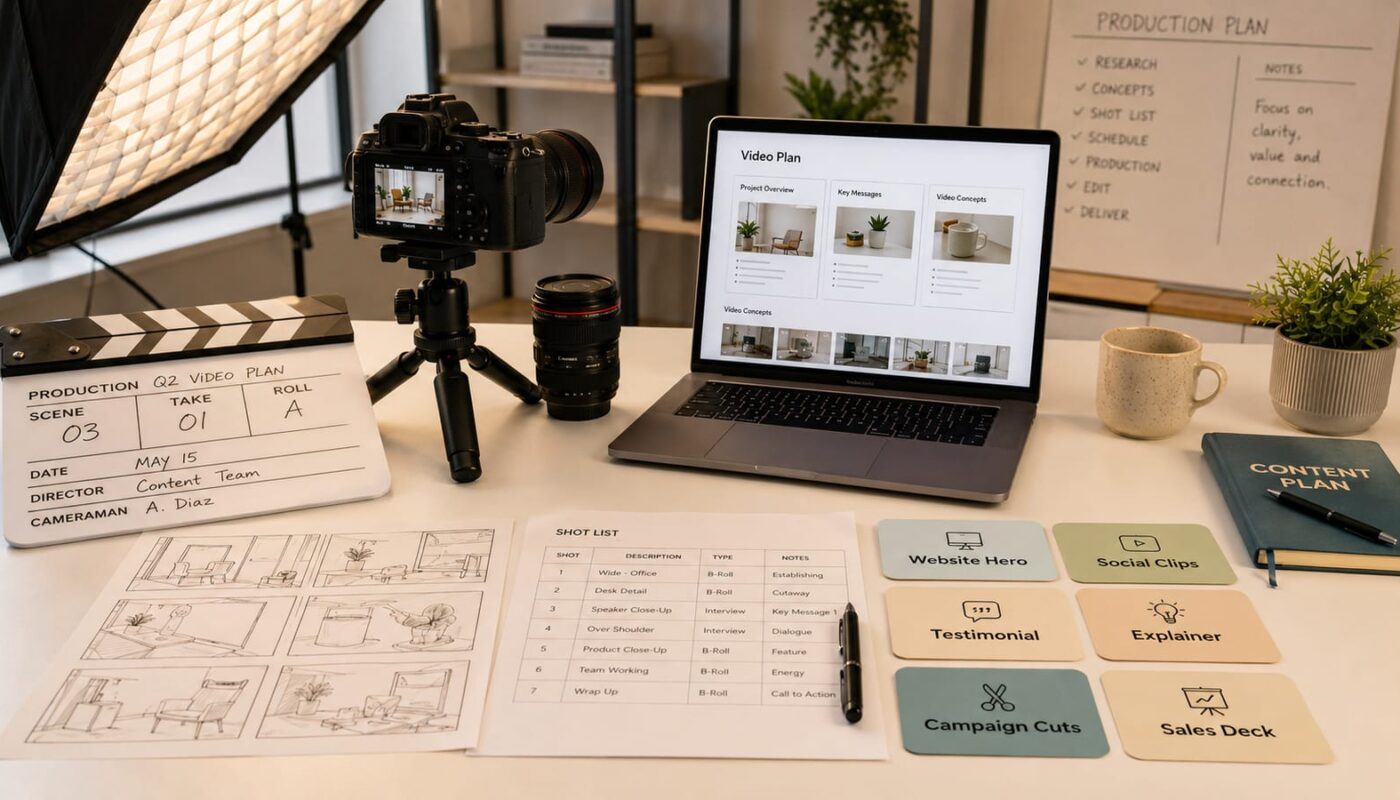
A practical video production decision guide should help your team decide which assets deserve priority. Instead of planning one video, plan asset groups.
1. Capture The Core Brand Story First
This is the main narrative that explains who you are, what you do, who you help, and why your work matters. It may become a website hero video, an about section video, or a short brand overview for presentations. Capture clean interview clips, workspace footage, team interaction, service delivery, and visual proof of your work.
This asset matters because it has the longest shelf life. Social trends change quickly, but a clear business story can support your website and sales process for months or years with small updates.
2. Capture Service Or Product Explainers
If customers often ask the same questions before buying, your shoot should include explainer content. Film the steps, tools, product details, service process, common use cases, and before-and-after context where relevant.
These assets can become website section videos, FAQ clips, onboarding material, sales enablement content, and short educational posts. For businesses planning website upgrades, this is especially valuable because video can make complex services easier to understand without overloading the page with text.
3. Capture Trust Assets
Trust assets include testimonials, project walkthroughs, behind-the-scenes footage, team introductions, delivery proof, and client outcome stories. These clips help customers feel that the business is real, organised, and capable.
When filming testimonials, avoid only asking for praise. Ask about the original problem, why the client chose the business, what changed, and what advice they would give someone considering the service. This creates more useful material for websites, social media, proposals, and campaign pages.
4. Capture Short-Form Social Cutdowns
Short clips should not be an afterthought. A shoot designed only for a long landscape video may miss the vertical framing, quick hooks, and simple visual moments needed for social platforms.
Plan short-form footage on purpose: vertical shots, clean actions, strong opening visuals, simple talking points, product details, process moments, and quick demonstrations. This helps turn content assets from one shoot into a steady stream of website and social media video instead of forcing editors to crop unsuitable footage later.
5. Capture Campaign And Sales Support Material
Marketing campaigns often need more than one polished video. They need variations: a short awareness clip, a landing page video, a product-focused cut, a testimonial-led cut, and still frames or thumbnails. Sales teams may need short clips to send after meetings or include in proposals.
During planning, list every place the footage could appear: website homepage, service page, email campaign, LinkedIn, Instagram, YouTube, WhatsApp, digital ads, pitch deck, internal training, and client onboarding. Then decide which formats are essential, useful, or optional.
A Simple Priority Checklist Before Filming
Before the shoot, your team should answer these questions:
- What is the main business goal of this shoot?
- Which asset will have the longest useful life?
- Which customer questions should the footage answer?
- Which team members, products, locations, or processes must appear?
- Which formats are required: landscape, vertical, square, presentation, or website banner?
- Which clips must feel polished, and which can feel natural and behind-the-scenes?
- Which assets will support the website, and which will support social media or campaigns?
- How will the files be named, stored, approved, and reused after delivery?
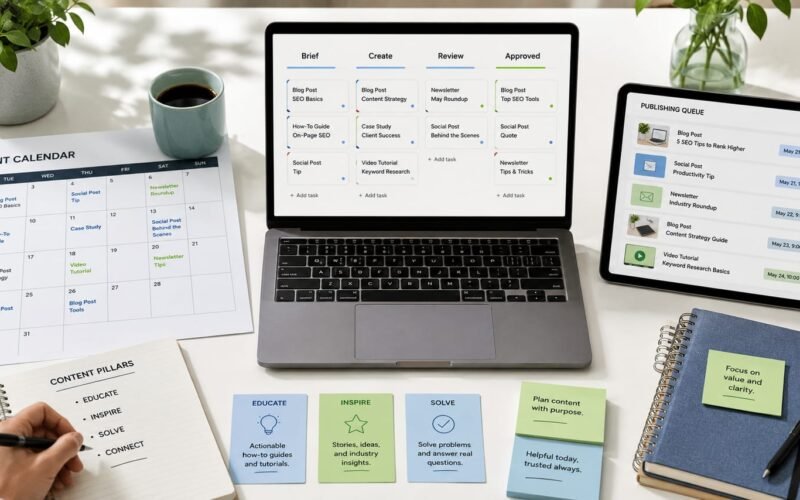
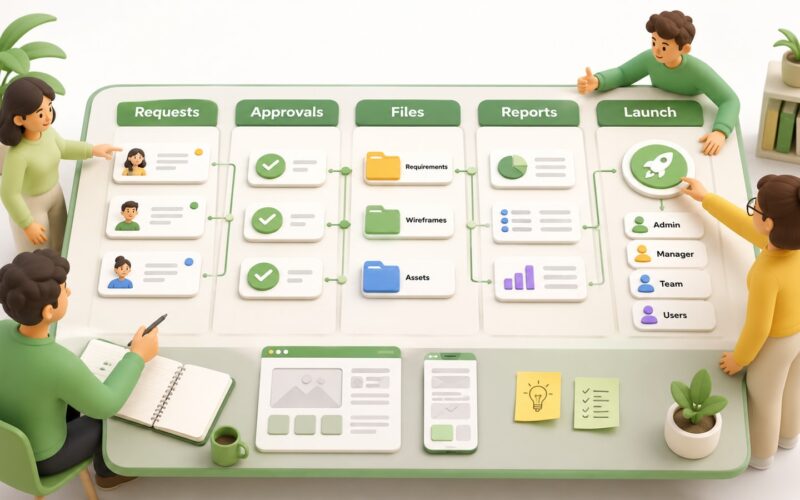
The final question is often ignored, but it matters. A good video strategy for businesses includes the workflow after production: file structure, captions, thumbnails, version control, approvals, publishing calendar, and performance tracking. Without that system, useful footage gets lost in folders.
Where AI Fits Into Video Planning
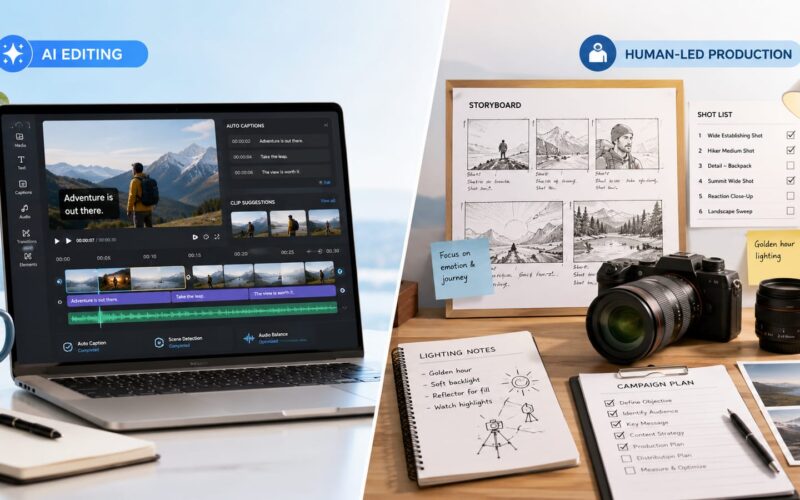
AI tools can help with transcripts, cutdown suggestions, captions, content repurposing, training scripts, and localisation. They can speed up parts of the workflow, especially when the footage is already structured. But AI works best when the original shoot has clear messages, clean audio, strong visuals, and reusable scenes.
In other words, AI does not remove the need for planning. It increases the value of planning. The better your footage library is, the more useful your editing, automation, and content workflow tools become.
Make The Shoot Serve The Whole Digital System
The best business video content does not live in isolation. It connects to your website, social media, campaigns, CRM, proposals, internal training, and brand communication. That is why production should be planned with the wider digital system in mind.
For Digivolve Media, video production is not only about filming and editing. It is part of a broader digital presence that can include website design, content workflows, automation, AI-assisted repurposing, brand communication, and platform strategy. When a shoot is planned properly, one production session can become a practical content engine for the business instead of a one-off marketing expense.