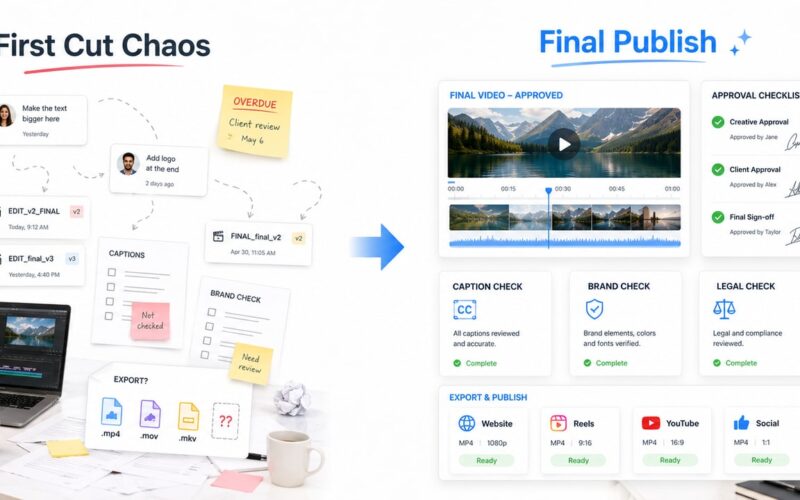
A website does not become easier to manage simply because it has been launched. For many teams, the real pressure starts afterwards: content updates arrive through email, urgent changes are sent by chat, access is shared informally, reports are built manually, and nobody is completely sure who owns the next action. A website operations hub checklist helps turn that daily mess into a practical system.
The goal is not to add another complicated platform. The goal is to create one clear operating layer for website requests, content updates, approvals, access, reporting, and accountability. Recent movement in digital platforms shows the same direction across many industries: teams are trying to reduce disconnected tools and move important work into connected operating systems. For website and content teams, that same idea can be applied in a focused, manageable way.
What is a website operations hub?
A website operations hub is a central system where your team manages the operational work around a website. It can be a custom portal, internal platform, workflow system, client dashboard, or a structured combination of tools. What matters is that it brings the website workflow into one place instead of spreading it across inboxes, spreadsheets, WhatsApp messages, shared drives, and separate analytics screens.
A good hub should answer five questions quickly: what was requested, who owns it, what stage it is in, who approved it, and what changed after it went live. When those answers are visible, teams spend less time chasing updates and more time improving the website.
The practical website operations hub checklist
1. Map the main types of website work
Start by listing the work your website team handles most often. This usually includes page edits, new landing pages, blog uploads, product or service updates, campaign changes, form issues, SEO fixes, analytics reports, access requests, and technical support tasks. Do not build the system around a vague idea of website management. Build it around real requests your team receives every week.
Group the work into clear request types. For example: content update, design update, technical issue, access request, reporting request, and campaign support. This structure becomes the foundation of your system platform checklist.
2. Create one request intake flow
Website request management becomes messy when every person sends tasks in a different way. A website operations hub should include one clear form or request area where team members submit what they need. The form should capture the page or platform affected, the requested change, supporting files, deadline, priority, approver, and reason for the update.
This does not need to feel heavy. A simple, well-designed intake flow prevents missing information and reduces back-and-forth. It also gives managers a single view of demand across the website instead of relying on scattered messages.
3. Define workflow stages clearly
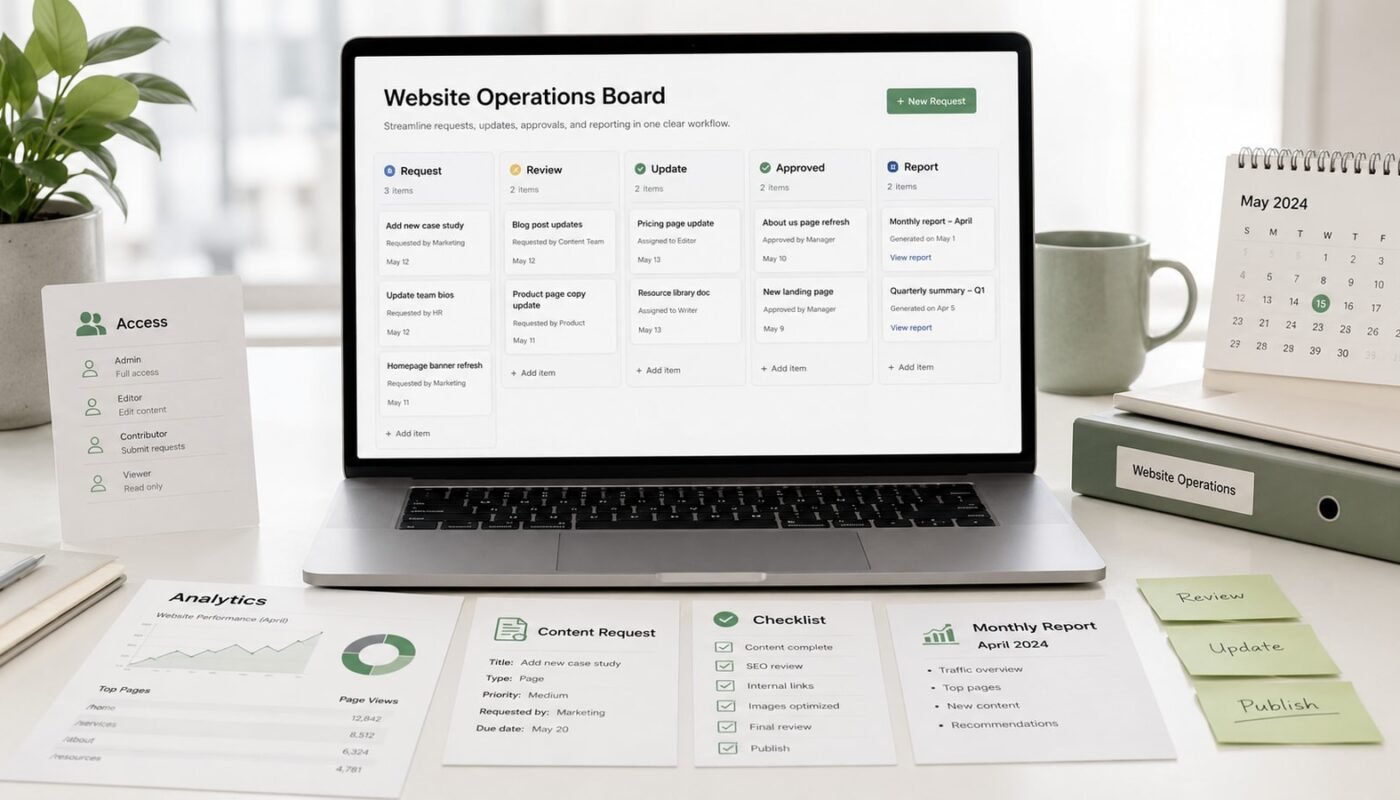
Every request should move through visible stages. A useful content update workflow might include: Request Received, In Review, Content Required, In Progress, Ready for Approval, Approved, Published, and Reported. Technical tasks may need different stages, but the principle is the same: every task needs a status that the team can understand without asking for an update.
Clear stages also help prevent silent delays. If a task is stuck in approval, the hub should show that. If content is missing, the owner should know. If a published change needs follow-up reporting, the system should not forget it.
4. Assign ownership and approval rules
A website operations hub should make responsibility visible. Each request needs an owner, a requester, and where needed, an approver. For example, a marketing manager may approve campaign
, a department head may approve service information, and an operations manager may approve changes that affect forms, payments, or customer data.
This is especially important as AI tools and automation become part of digital operations. Automation can speed up routing, reminders, summaries, and reporting, but access and approvals still need proper governance. Teams should know what can be automated, what needs human review, and who has permission to publish changes.
5. Centralise website access management
Access is often treated as a small admin task until something goes wrong. Your hub should track who has access to the website, analytics, hosting, CRM, email marketing platform, design files, automation tools, and reporting dashboards. It should also record the user role, reason for access, date granted, and review date.
For safer digital platform operations, avoid shared logins where possible. Use role-based access, remove old users, and review permissions regularly. This becomes more important when external suppliers, freelancers, AI tools, or automation workflows interact with your website and connected systems.
6. Connect reports to actual work
A website reporting dashboard should not only show traffic, clicks, and form submissions. It should also help the team understand what changed and why. If a landing page was updated, a campaign went live, or a form was improved, the report should connect performance data to those actions.
Useful reporting modules can include website health, content activity, request volume, turnaround time, campaign pages, lead forms, top pages, broken links, SEO tasks, and pending approvals. This gives leaders a clearer picture of both performance and operational workload.
7. Add automation carefully
Automation works best when the process is already clear. Once your request types, stages, owners, and approval rules are defined, you can automate repetitive parts of the workflow. Examples include confirmation emails, overdue reminders, approval notifications, report summaries, task routing, and weekly operations updates.
Avoid automating confusion. If the team has not agreed on how requests should move, automation will only make the confusion faster. Start with simple, low-risk automations, then expand into AI-assisted summaries, content briefs, and operational alerts where they make sense.
What to include in the first version
- Request dashboard: A single list of all website and content requests.
- Request form: Standard fields for page, task type, files, priority, deadline, and approver.
- Status workflow: Clear stages from request to approval, publishing, and reporting.
- Access register: A record of users, roles, systems, and review dates.
- Reporting dashboard: Website performance, update activity, pending work, and key actions.
- Notifications: Simple reminders for approvals, overdue tasks, and completed updates.
- Audit trail: A record of what changed, when it changed, and who approved it.
How to implement it without overwhelming the team
- Start with the top five request types your team handles most often.
- Build a simple intake form before building advanced dashboards.
- Define workflow stages in plain language.
- Assign owners and approvers for each request type.
- Create an access register and remove unnecessary permissions.
- Build a basic reporting dashboard linked to real website activity.
- Add automation only after the manual workflow is working.
The best website operations hub is not the most complex one. It is the one your team actually uses. Start with clarity, then add automation, dashboards, and AI-assisted workflows where they reduce manual effort without removing accountability.
For growing businesses, this is where system platform development becomes practical. Digivolve Media helps teams design website operations hubs, content workflows, reporting dashboards, access structures, and automation systems that support real day-to-day digital work without making the process harder to manage.